Deleting Payment Providers
Payment providers sometimes pause or cease activities. Follow these steps to delete a payment provider.
Warning: Deleting a payment provider could damage your fulfillment model. Ensure you no longer use this provider before deleting it.
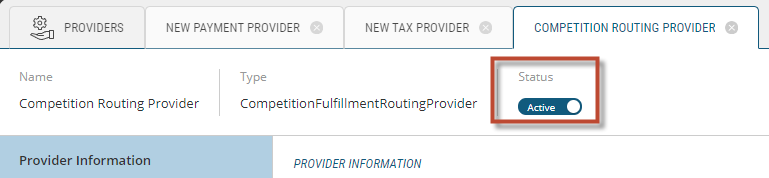
If you are unsure as to whether you should permanently delete a provider, you can temporarily deactivate it by using the toggle switch located at the top of the screen.
| 1. | From the Providers tab, select Payment Providers. |
| 2. | Click the Trash can button that appears at the right of the payment provider that requires deletion. |
This will bring up the Delete Payment Provider Confirmation box.
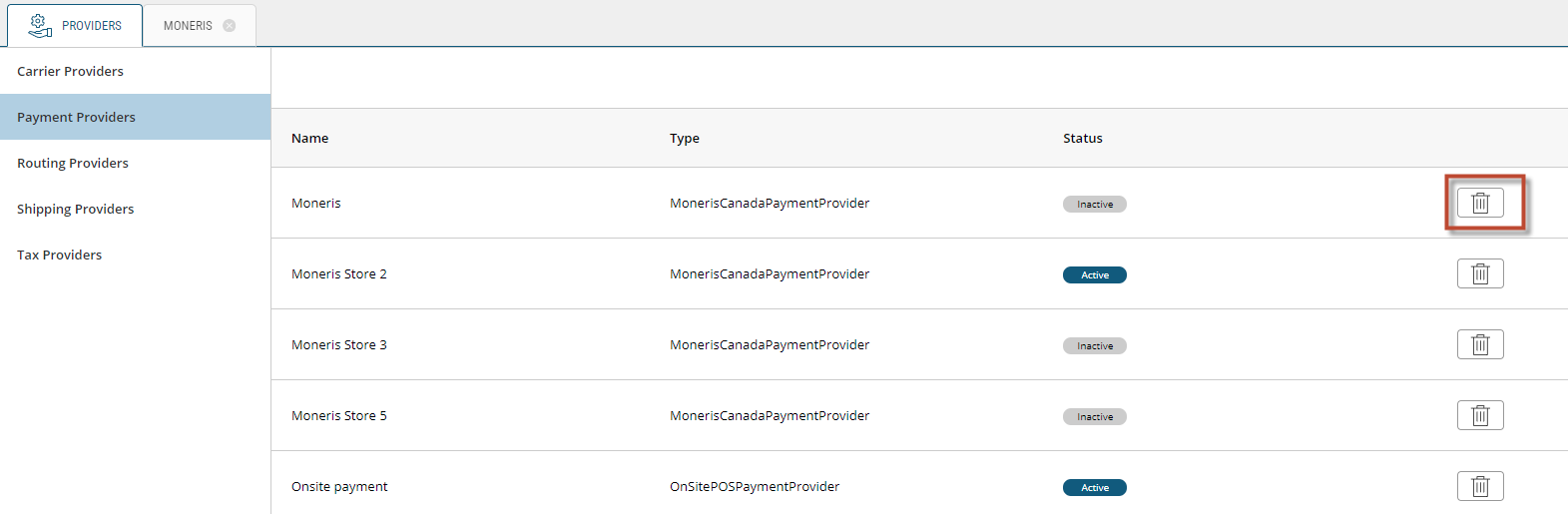
Figure 1 - Delete Payment Provider button
| 3. | Click Yes to delete payment provider or No to abandon deletion. |
The window will automatically refresh and reflect the deletion.
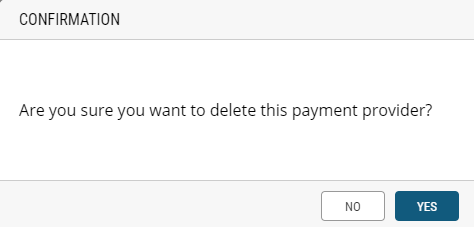
Figure 2 - Delete Payment Provider Confirmation box
REFERENCES
| • | Creating Payment Providers |
| • | Managing Payment Providers |
| • | Modifying Payment Providers |